


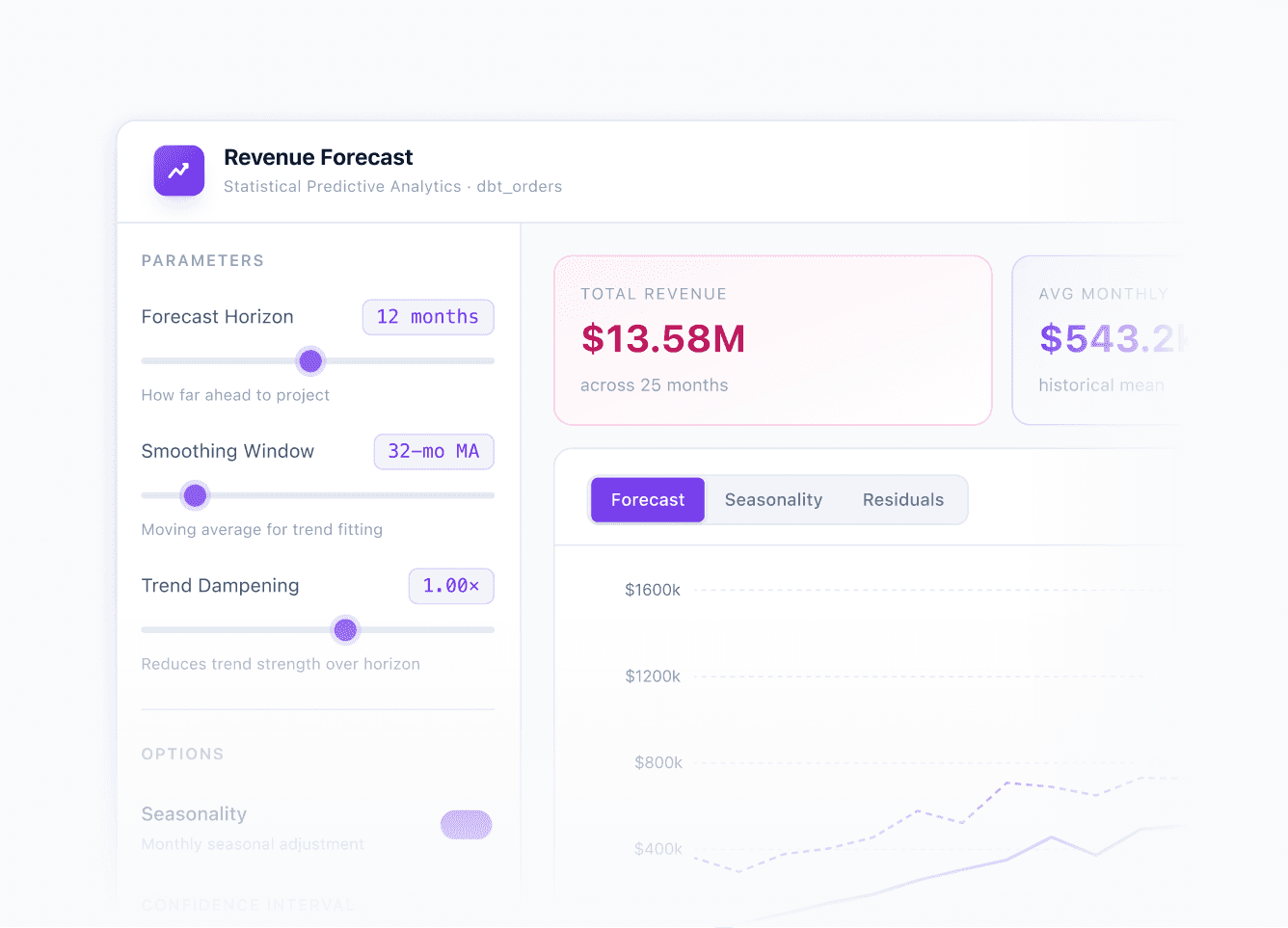
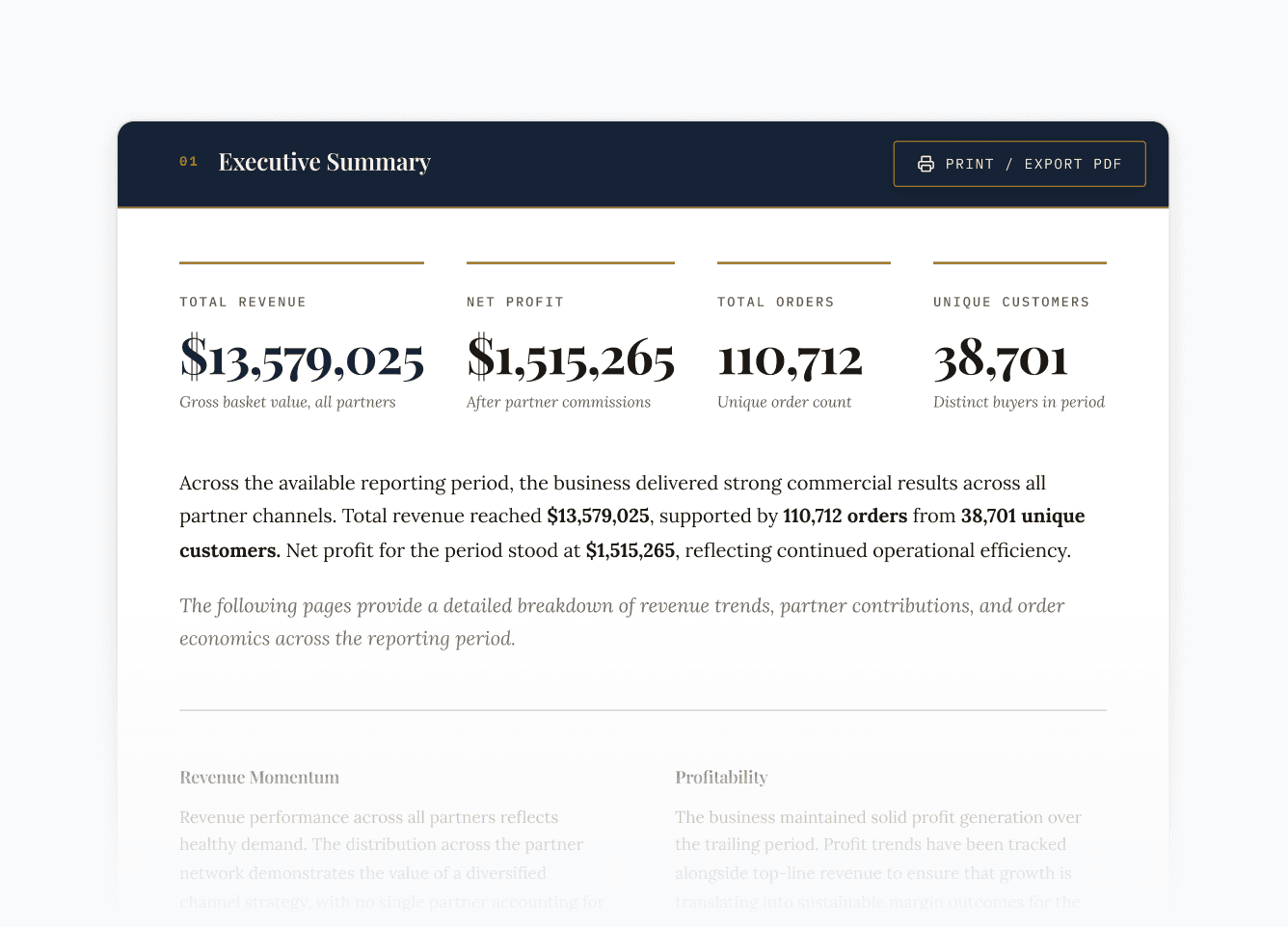
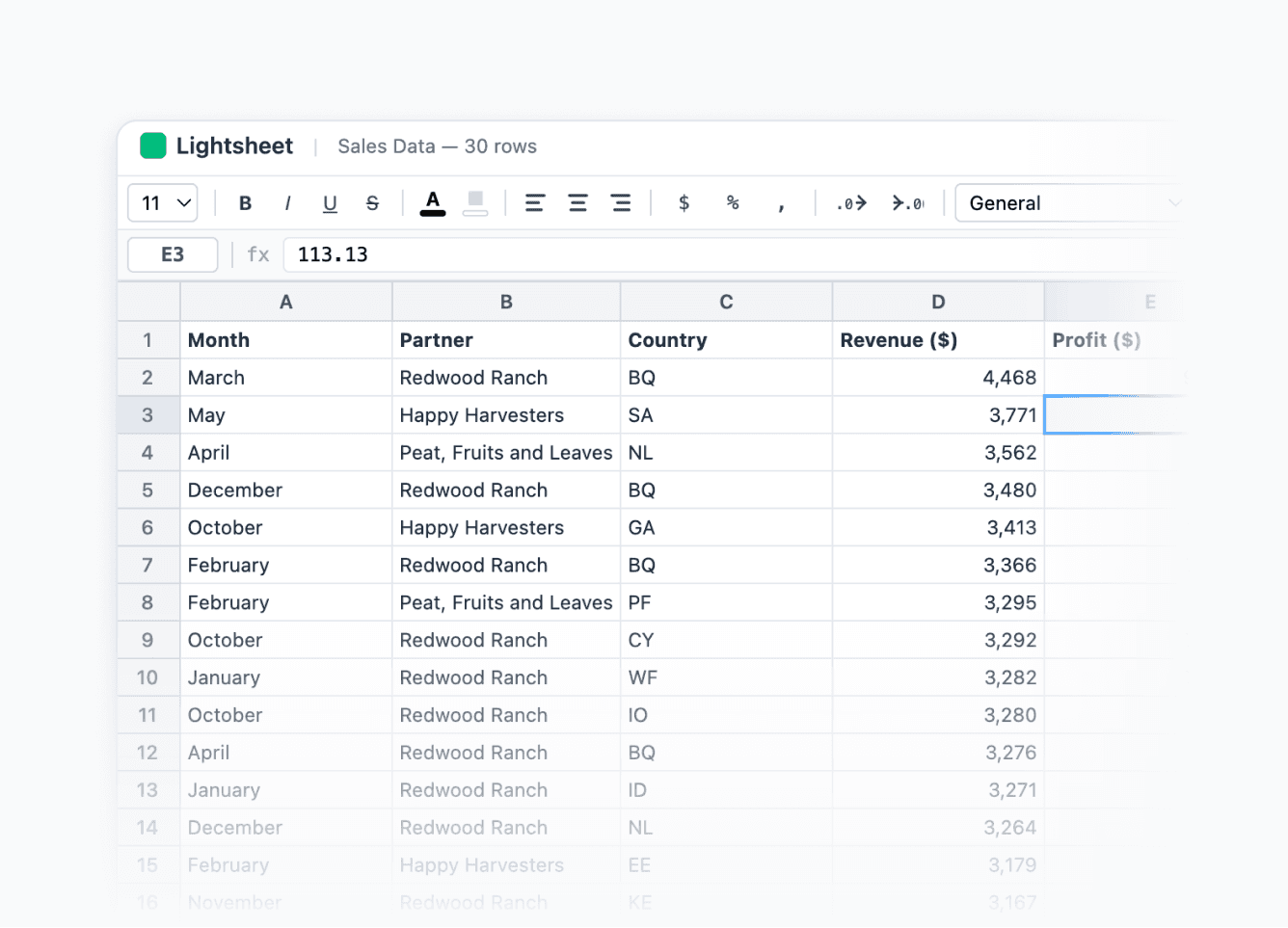
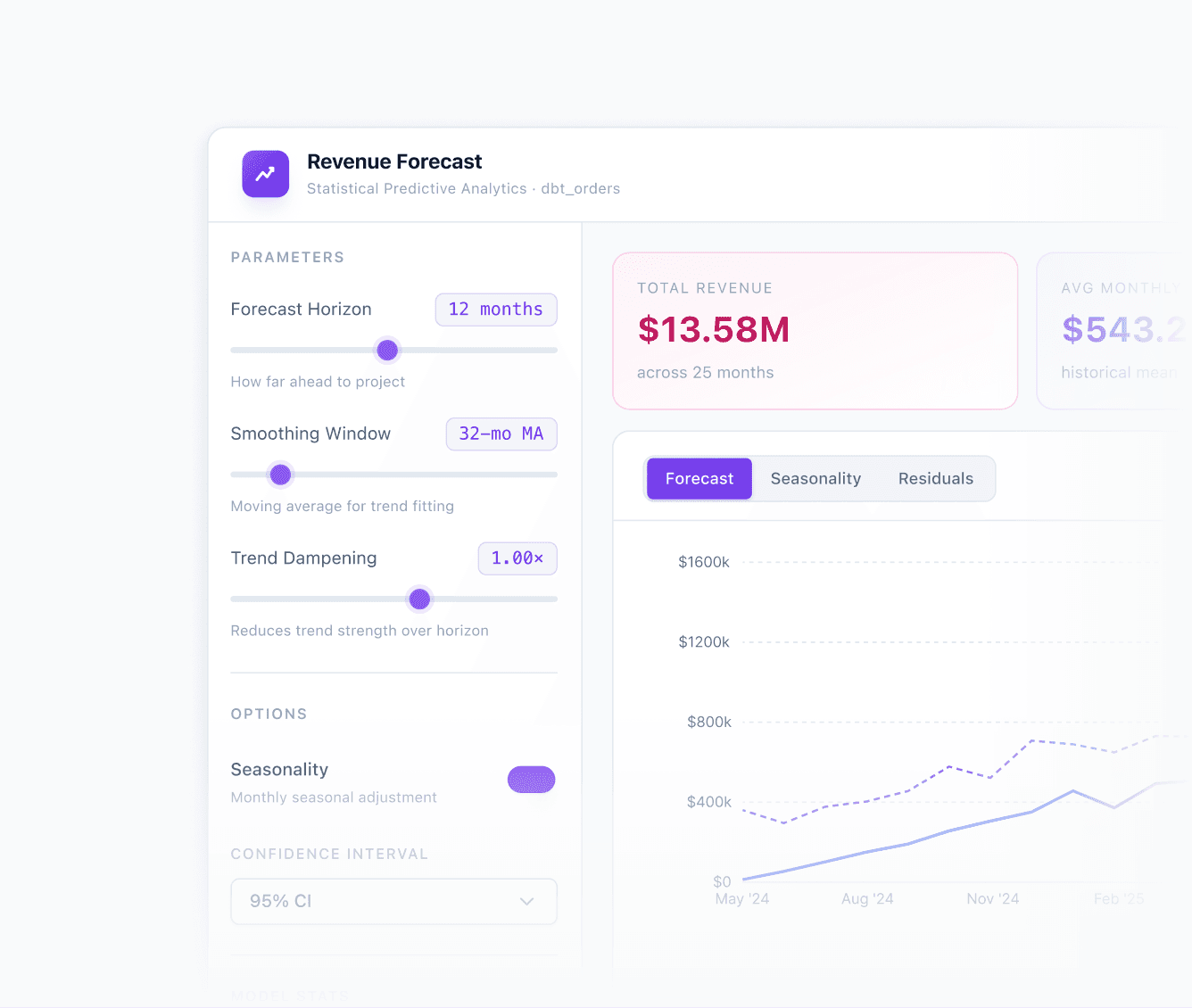





Build multiple data experiences
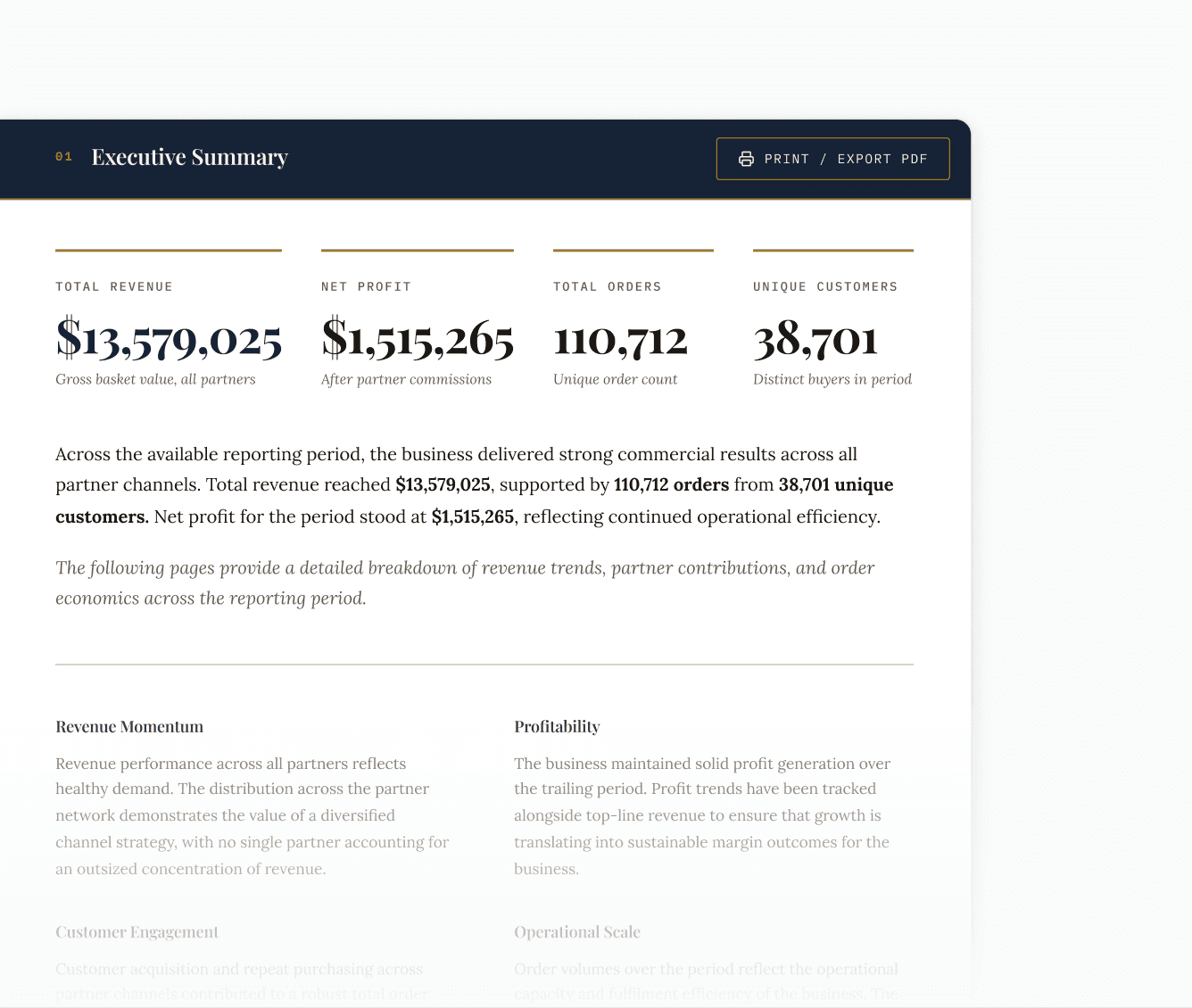
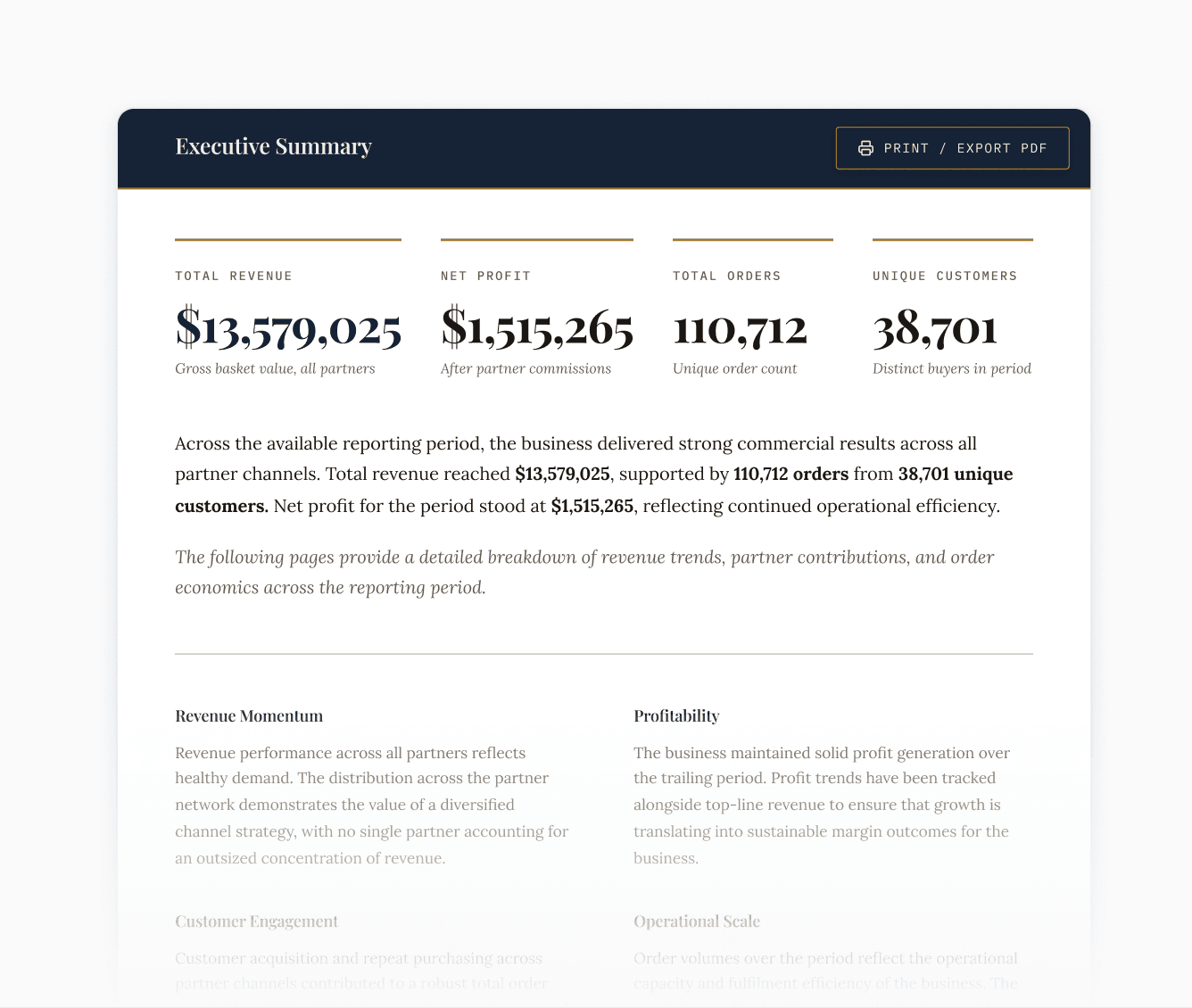
Quaterly business reports with live data that stays up to date
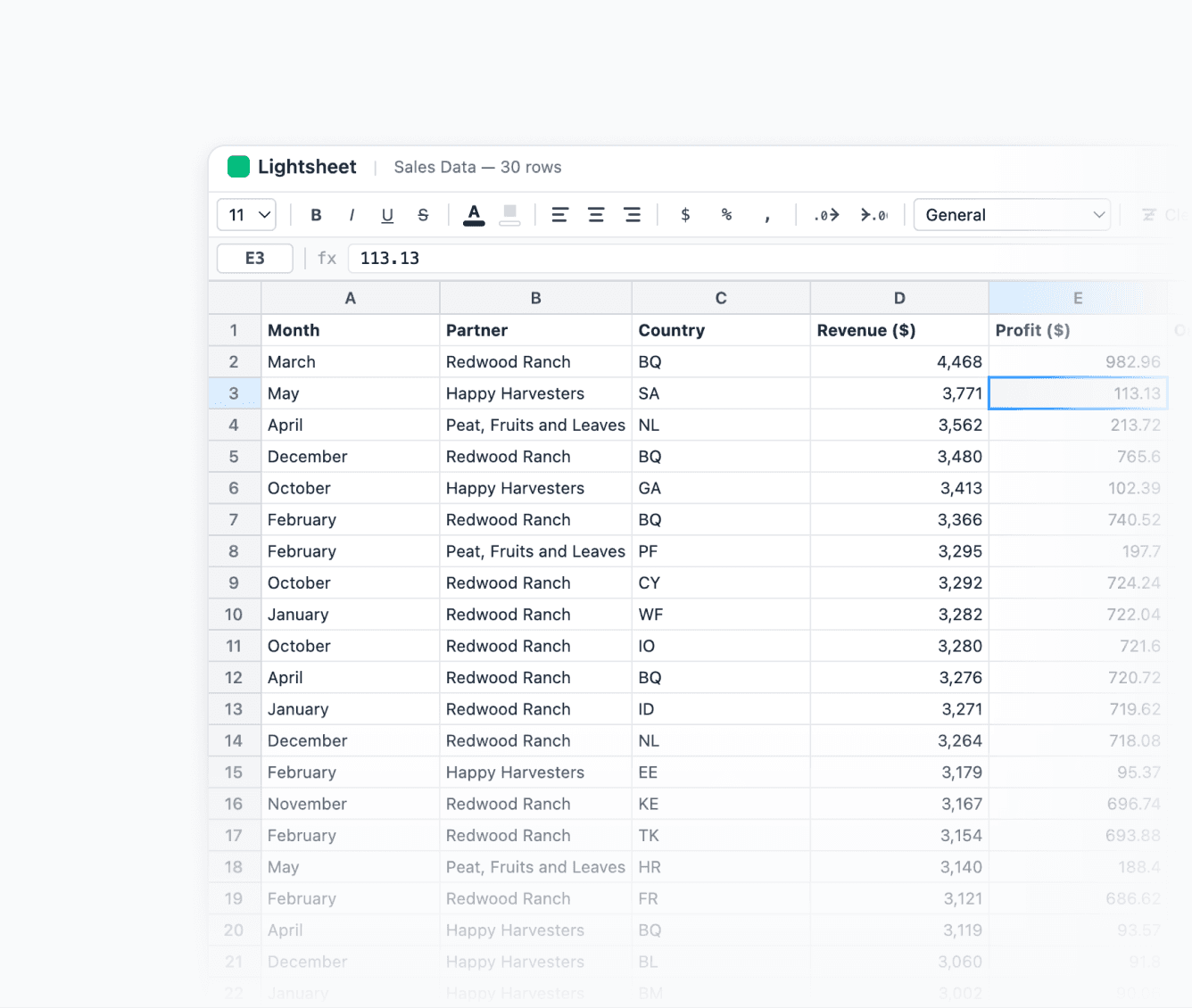
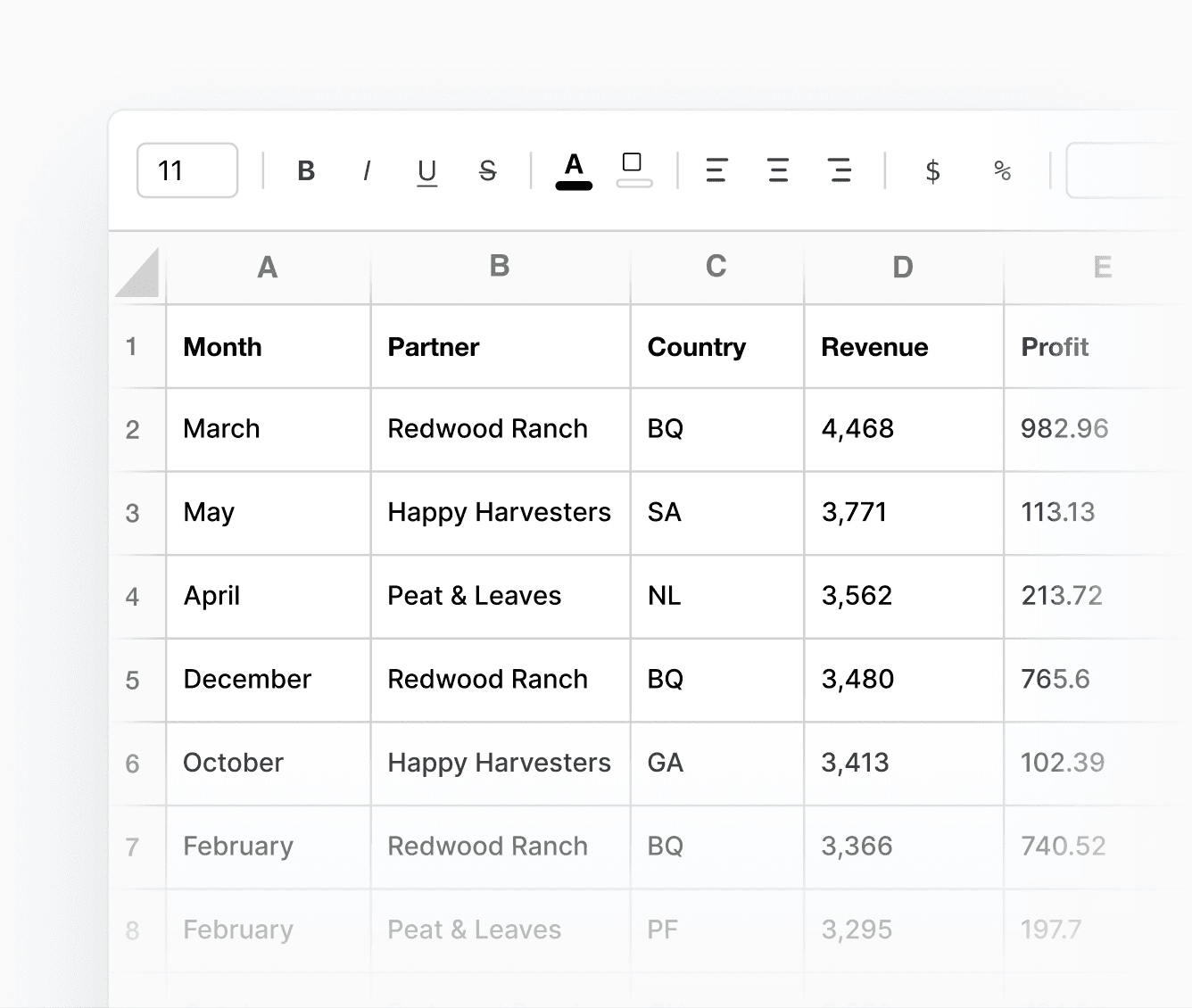
Excel sheets for ops & finance to get what they need
By clicking submit you confirm you are happy to be contacted via email about Lightdash Data Apps.

For any other questions, feel welcome to reach out to our team.
What is a data app?
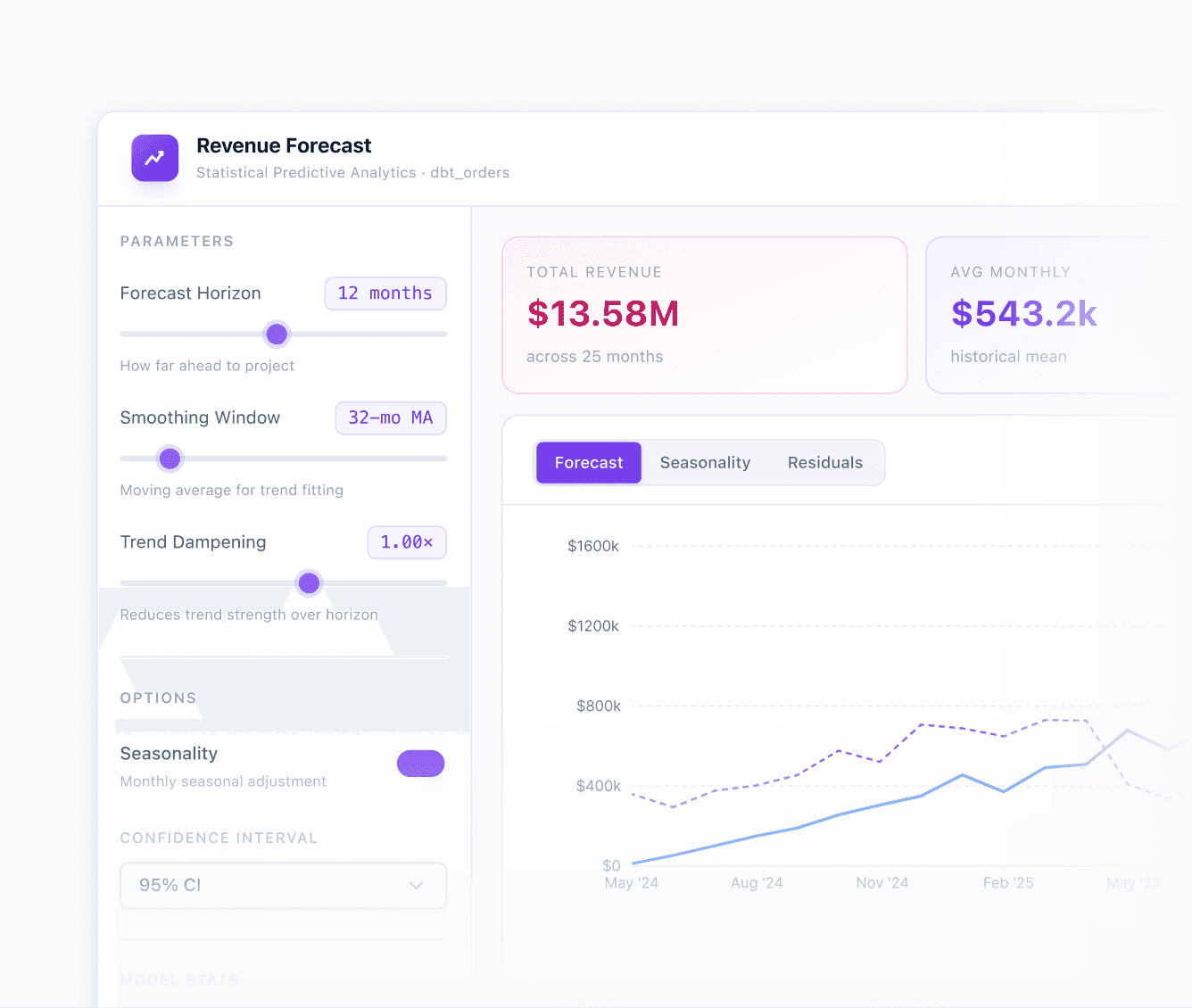
A Data App is an interactive analytics tool you build inside Lightdash. Think custom reports, analyst workbooks, self-serve dashboards. Anything your stakeholders need that a standard dashboard can't do. Every app runs on your semantic layer, so governance is built-in.
How do I build a data app?
Inside Lightdash, open the app editor and describe what you want. The built-in AI builds it for you. Then tweak it directly in the app: highlight anything and tell it what to change, or use the chat to refine. No code required.
How is this different from building a dashboard?
With a data app, you're not limited to the dashboards or visualizations your BI tool supports. You can build exactly what your use case needs.
Is the data live?
Yes. Every time your data updates, a model changes, or a metric definition is updated, the app reflects it automatically. No manual refresh, no rebuild.
How is this different from building with Claude Code or Lovable?
Tools like Claude Code and Lovable build on raw data.
Data Apps are different because the foundation is your semantic layer, meaning every app you build gets row-level security, role-based access, caching, and your metric definitions automatically, without configuring any of it yourself.
It's the only way to build data apps where the governance is already done.
Can I access data apps through open source Lightdash?
Data apps is a Cloud feature, so it's not included in the OSS version. On Cloud it's enabled by default, and for On Prem instances it can be configured with a license key.


